Intake automation
Turn forms, emails, requests, leads, documents, and submissions into structured workflows your team does not have to manually sort.
Automation Intelligence Studio builds done-for-you automation systems for intake, data entry, reporting, and internal workflows, so your team spends less time on manual work.
Built for owners who are tired of asking where things stand, chasing manual updates, and watching staff repeat the same tasks.
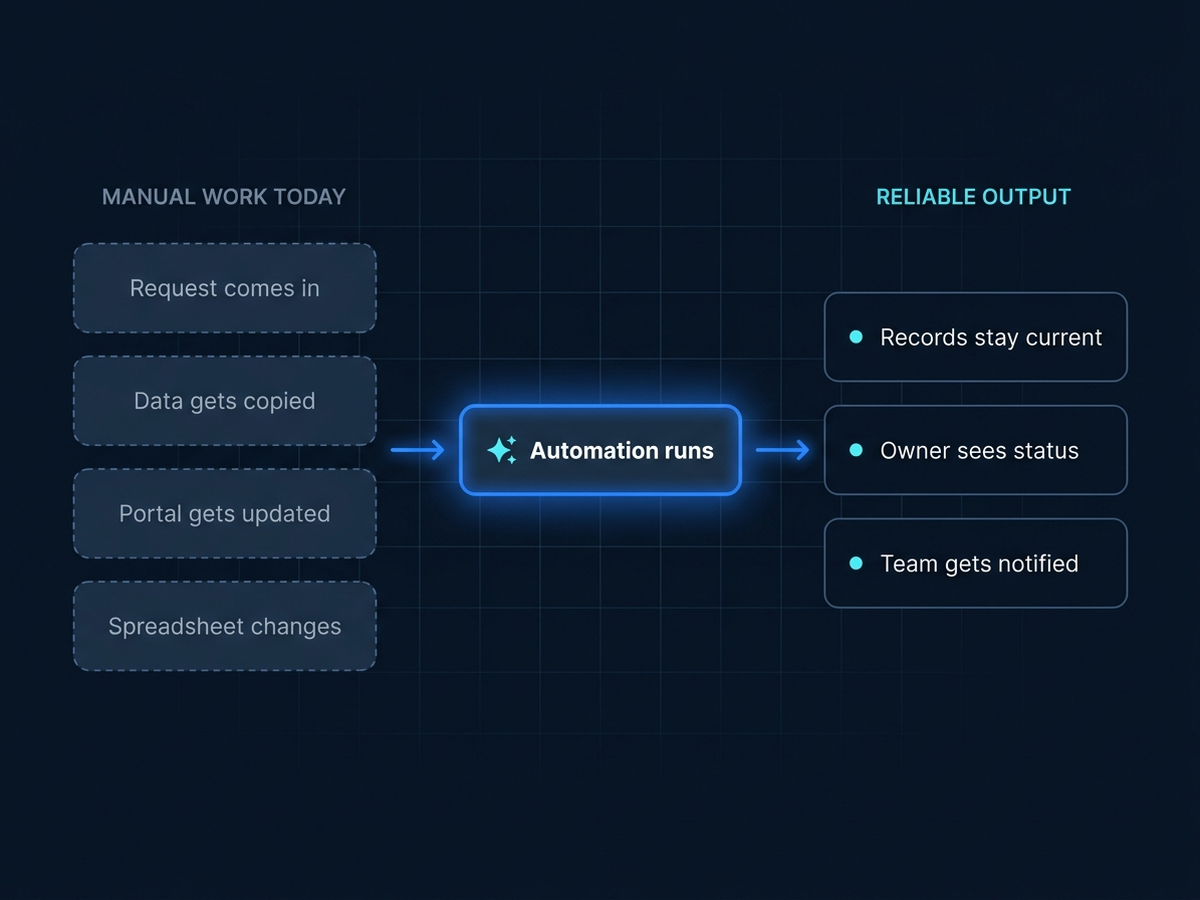
Staff spend hours copying data between systems, updating spreadsheets, checking for mistakes, and chasing handoffs. The work gets done, but only because people keep remembering what to do next. Your team should not have to spend valuable time repeating work that follows the same pattern every week. Those workflows can become automation systems.
The cost is not just time. It is errors, delays, and work that depends on memory.
Start with the workflows your team repeats by hand. These are common first projects, but we can build around almost any repetitive workflow that follows a repeatable pattern.
Turn forms, emails, requests, leads, documents, and submissions into structured workflows your team does not have to manually sort.
Move information between spreadsheets, CRMs, QuickBooks, databases, and internal tools without repeated copy-paste work.
Turn spreadsheet-heavy processes into repeatable systems that update, calculate, format, and route information more reliably.
Automate repeated payroll, invoice, billing, reconciliation, or payment workflows that depend on manual clicking and spreadsheet updates.
Automate repetitive work inside web portals when there is no clean integration or API available.
Fill forms, generate documents, extract information, and prepare packets from business data.
These are common starting points, but Automation Intelligence Studio can build around almost any repetitive workflow that follows a repeatable pattern.
Bring us a workflow your team repeats by hand, such as intake, data entry, payroll, reporting, portal work, or document preparation.
We look at where the information starts, where it needs to go, which tools are involved, and where manual steps or errors happen.
We build the automation around your existing tools, including the data movement, business rules, reporting, notifications, and handoffs needed to make the workflow repeatable.
We test the automation with real examples, hand it over to your team, and adjust it after launch so it works in the real workflow.
These are real workflows where repetitive manual work was turned into automation.
A standard first project automates one repetitive workflow, connects the relevant tools, and adds reporting so the owner can see what is happening. Most first projects range from $1,000 to $2,000.
Typical first project
This is a typical starting range, not a fixed price. Final cost depends on the complexity of the workflow, the tools involved, and how much needs to be built, so some projects land above or below it. We confirm pricing after we review your workflow.
Usually no. We build automation around the tools, files, portals, spreadsheets, and systems your business already uses. The goal is to reduce repeated manual work, not force a full software replacement.
We can work with many existing business tools, including email, spreadsheets, CRMs, QuickBooks, web forms, scheduling tools, web portals, databases, and internal systems.
Most first projects range from $1,000 to $2,000 and focus on one repetitive workflow with connected tools, reporting, testing, and handoff.
Most first projects take about 1 to 2 weeks, depending on the workflow, tool access, and how quickly client feedback comes back during testing.
We test the automation with real examples, hand it over to your team, and refine it after launch so it works in the real workflow. After launch, we support the automation, and the client can schedule a call if there are any issues.
Yes. Many first projects involve spreadsheet-heavy workflows. We can update spreadsheets, pull data from them, generate documents from them, connect them to other tools, or replace fragile spreadsheet steps with a more reliable automation.
If your team is copying, checking, or reporting the same information by hand every week, let's discuss the workflow and see what can be automated.
Discuss Your Workflow